How do I Login to SmartProperty Portal?
Overview
Sign in to SmartProperty with the email address registered to your account and your password. After your account is created, use the link you were given to reach the "SIGN IN" page.
How-to
Step 1: Open the sign-in page
- Open the link you received when your account was created. This opens the "SIGN IN" page.
Step 2: Enter your email address
- Enter the email address registered with SmartProperty in the "Email" field.
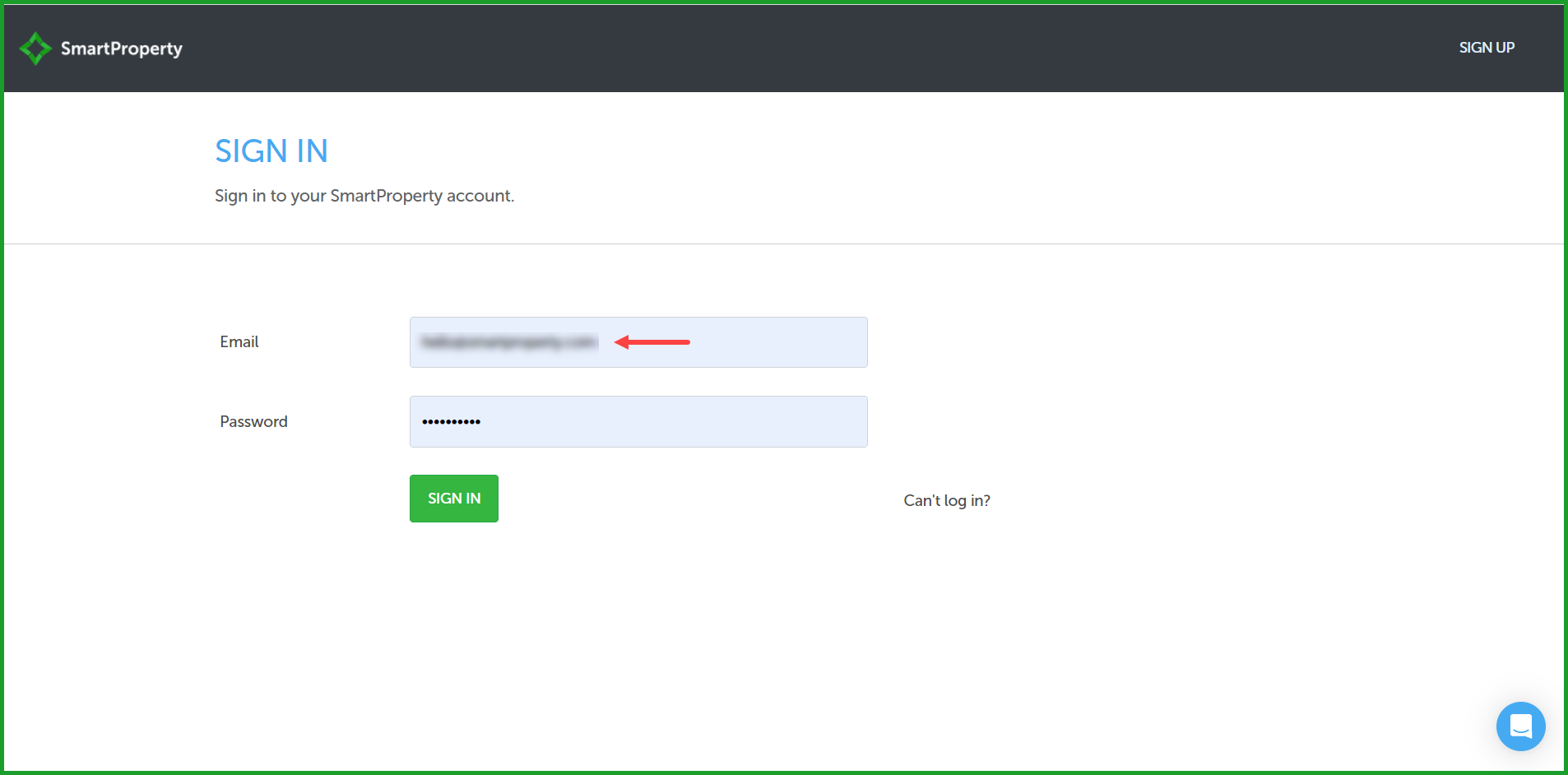
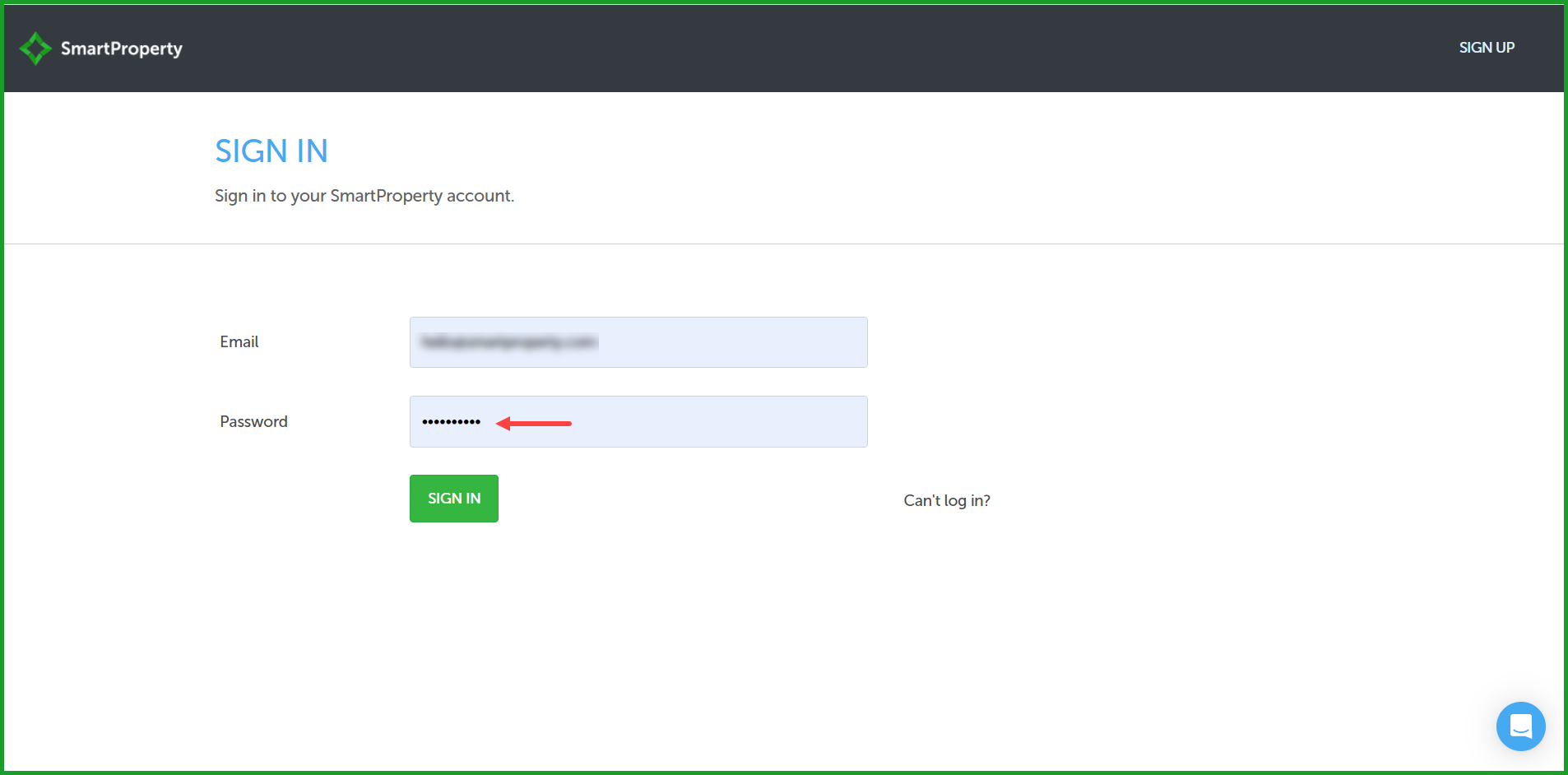
Step 3: Enter your password
- Enter the password for your account in the "Password" field.
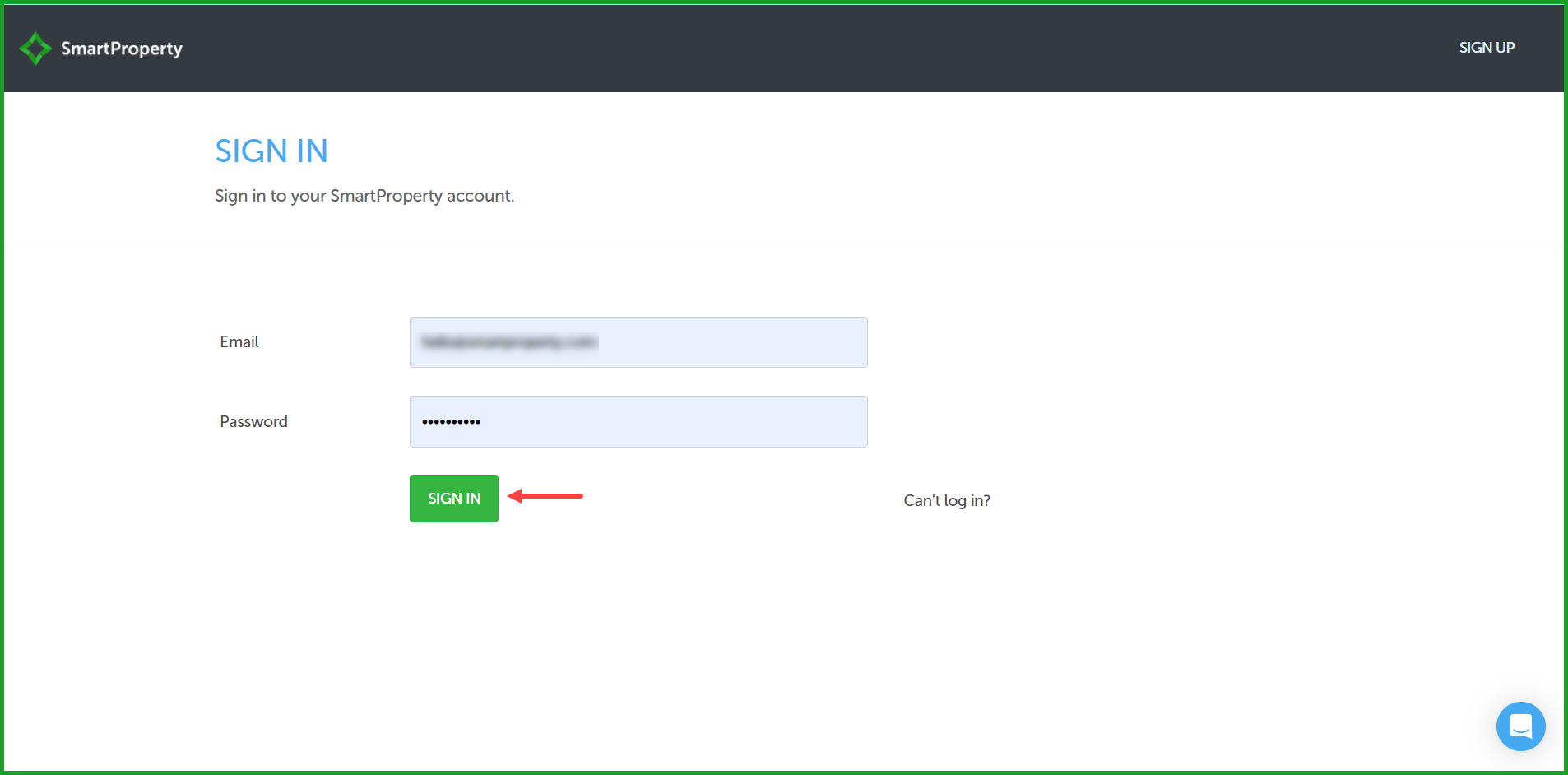
Step 4: Sign in
- Select "Sign In". This signs you in to SmartProperty and opens your list of properties, under "Welcome to SmartProperty".
If you have opened a property before, SmartProperty opens the dashboard for that property instead. If your role does not include the dashboard, SmartProperty opens the first page your role can see.
"Sign In" is available once both "Email" and "Password" are filled in.
Reference
Fields on the sign-in page
| Field | What it does |
|---|---|
| The email address registered with SmartProperty | |
| Password | The password for your account |
| Sign In | Signs you in. Available once both fields are filled in |
| Can't log in? | Opens the password reset page |
If you cannot sign in
If you do not remember your password, select "Can't log in?" on the "SIGN IN" page. See How do I Reset Account Password?.
If you are sure your email address and password are correct and you still cannot sign in, contact SmartProperty.